Time tracking with screenshots
Track work hours, capture screenshots, and monitor activity across your team. Privacy-first, role-based, and built for workspaces.
Everything you need to track time
Time Tracking
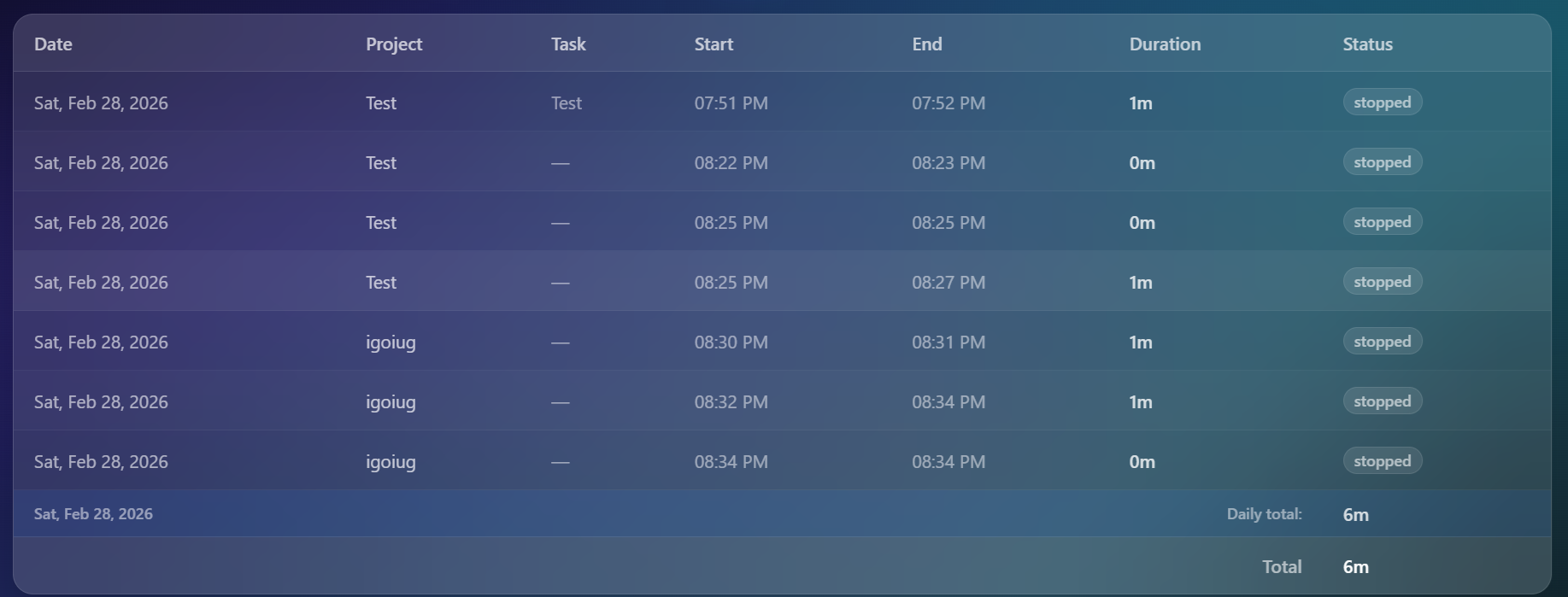
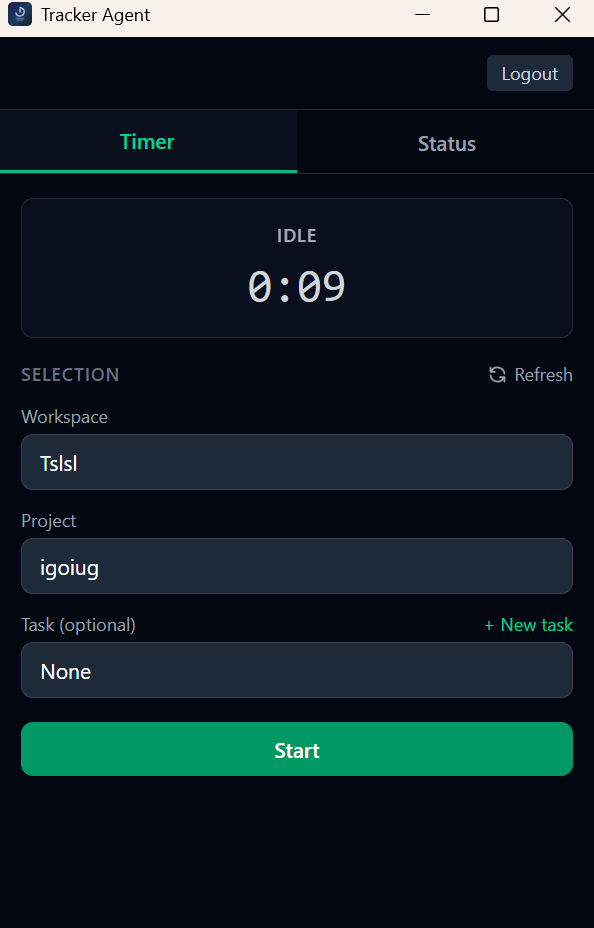
Start and stop timers with workspace, project, and task selection. View daily, weekly, or monthly timesheets with totals. Export to CSV.
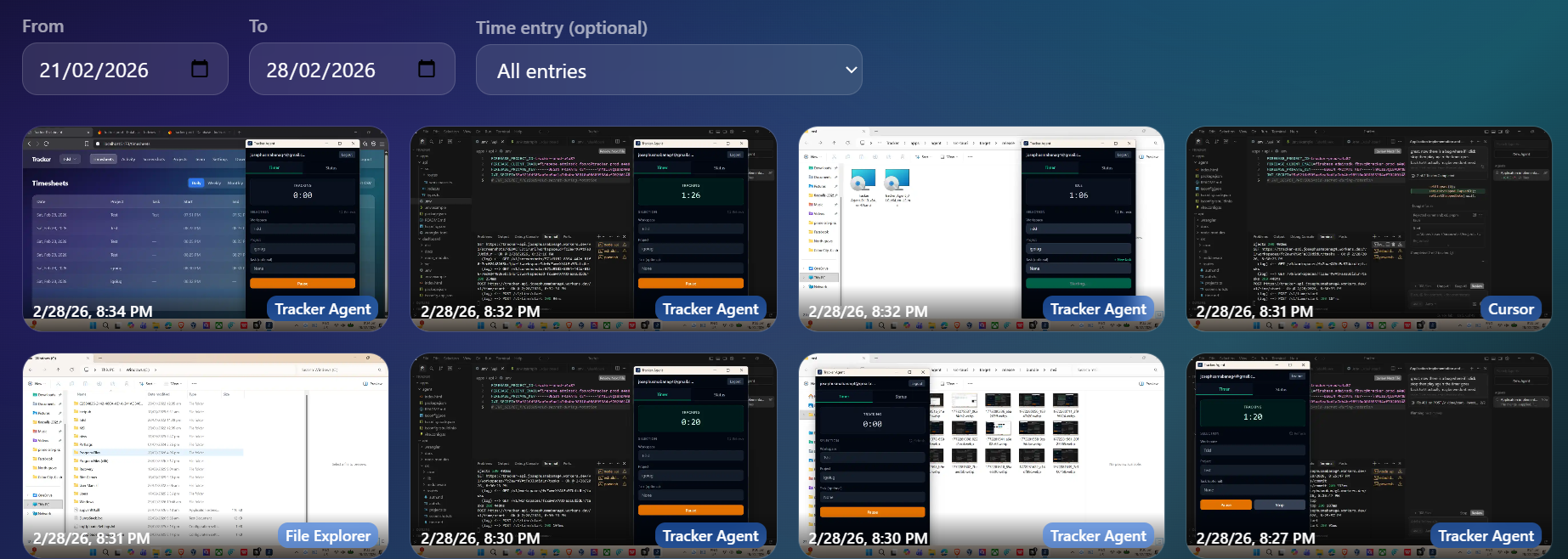
Screenshot Capture
Automated screenshots at configurable rates (1–5/min). WebP compression, optional blur for privacy. Lazy-loaded gallery with filters.
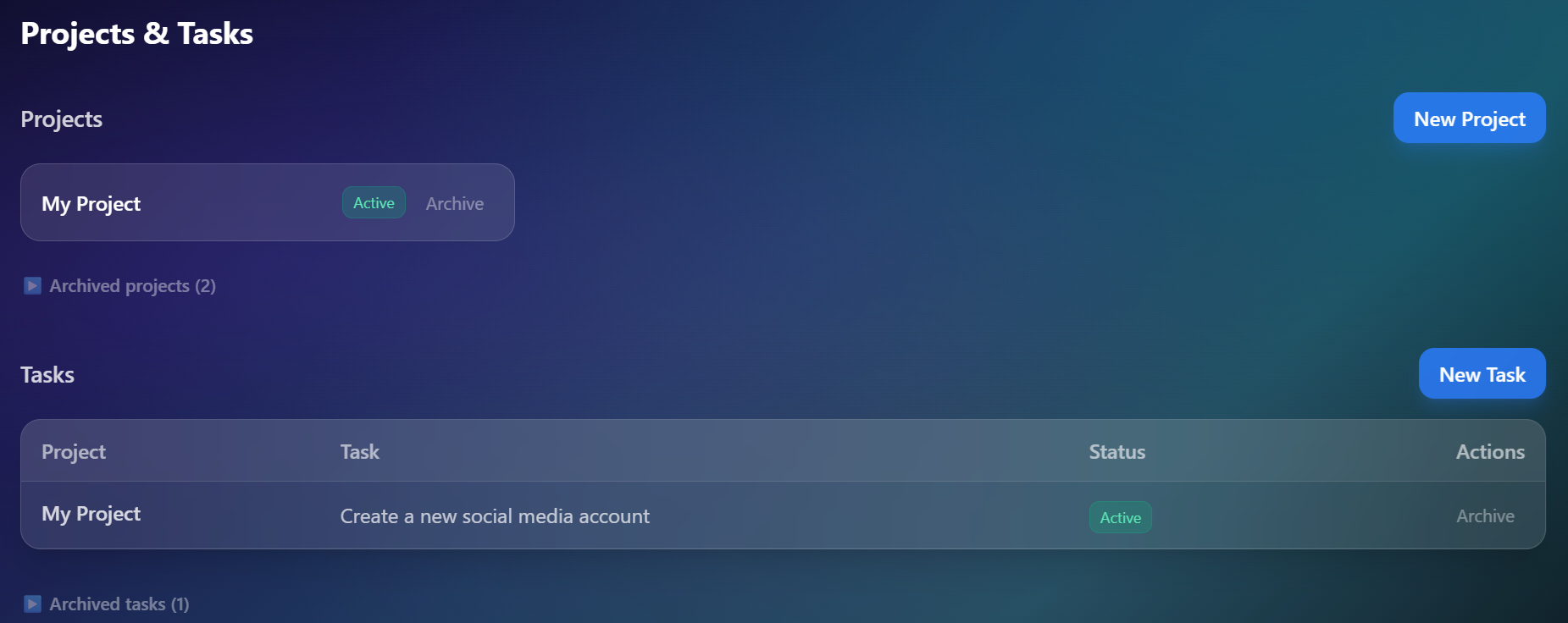
Projects & Tasks
Organize work with projects and tasks. Create, archive, and manage them. Admins control project creation and archival.
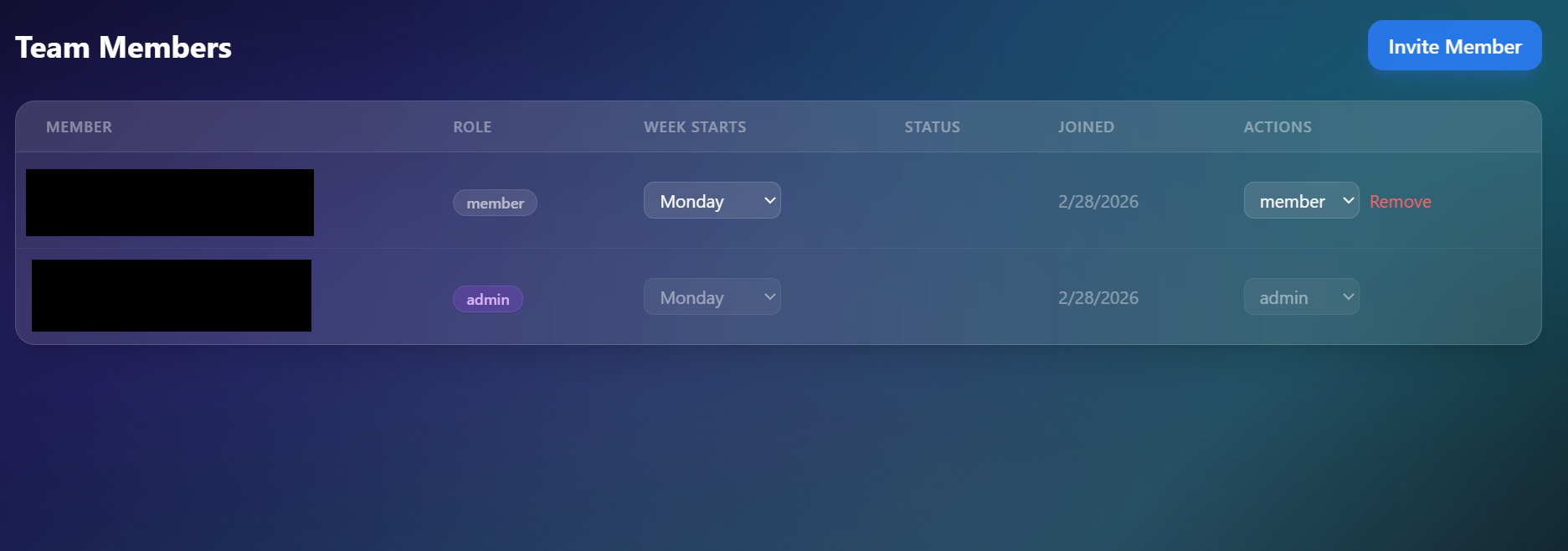
Team Management
Invite members, assign roles (admin, manager, member). Admins and managers can view team timesheets and screenshots.
Desktop Agent
Lightweight agent for Windows and macOS. Runs in the system tray, captures time and screenshots, batch uploads with offline support.
Ready to get started?
Create an account, install the agent, and start tracking in minutes.